

Overview
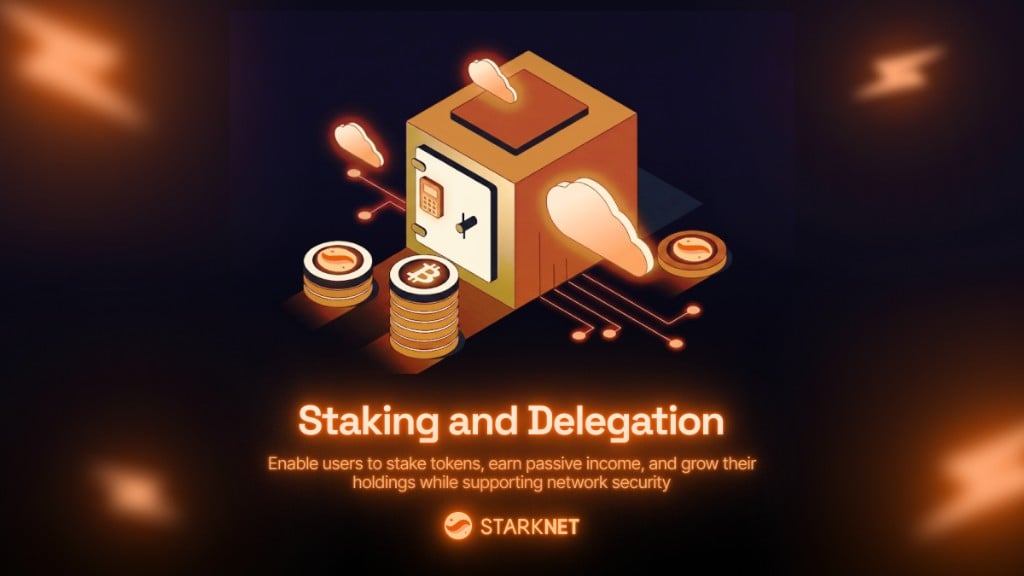
Starkzap supports Starknet’s native staking protocol. Validators run pools where delegators can stake tokens and earn rewards. What users can do with staking:- 💰 Earn passive income - Stake tokens (like STRK) and earn rewards over time, similar to a savings account with interest
- 🏦 Support network security - Stake tokens to help secure the Starknet network while earning rewards
- 📈 Grow their holdings - Rewards compound over time, allowing users to increase their token holdings without additional purchases
- ⏰ Flexible participation - Add more tokens anytime, claim rewards when ready, and exit when needed (with a cooldown period)
Staking contract is selected automatically from chain-aware presets. You only need
staking.contract if you want to override the default.Configuration
Staking works out of the box when using a supported chain preset:Discovering Validators and Pools
Using Validator Presets
Getting Stakeable Tokens
Getting Pools for a Validator
Entering a Pool
Stake tokens for the first time in a validator’s pool. The SDK handles the token approval automatically.- Approve the staking contract to spend your tokens (if needed)
- Call
enter_delegation_poolon the staking contract - Return a transaction you can track
Smart Stake (Recommended)
Usewallet.stake() when you don’t want to branch on membership manually:
wallet.stake() automatically:
- calls
enter_delegation_poolfor first-time stakers - calls
add_to_delegation_poolfor existing members
Adding to an Existing Stake
If you’re already a pool member, add more tokens:Claiming Rewards
Users earn rewards continuously while their tokens are staked. Rewards accumulate over time and can be claimed at any time:- Withdraw them to their wallet
- Re-stake them to compound earnings (add them back to the pool)
Exiting a Pool (Two-Step Process)
Exiting a pool is a two-step process with an exit window:Step 1: Declare Exit Intent
Tokens stop earning rewards immediately:Step 2: Complete Withdrawal
Wait for the exit window, then complete the withdrawal:Querying Position
Get detailed information about your staking position to show users their earnings:- How much they’ve staked (their original investment)
- How much they’ve earned in rewards (their passive income)
- Their total position value (staked + rewards)
- When they can withdraw if they’ve initiated an exit
Position Interface
Checking Membership
Getting Commission Rate
Using Transaction Builder
The transaction builder makes it easy to combine staking operations with other actions:.stake() method automatically:
- Calls
enter_delegation_poolfor new members - Calls
add_to_delegation_poolfor existing members
Staking Flow Examples
Complete Staking Flow
Here’s a complete example showing how users can stake, earn, and manage their position:Monitoring Rewards
Show users their earnings and help them claim rewards:User Benefits Summary
What users can do with staking in your app:- 💰 Earn passive income - Stake tokens and earn rewards automatically, like interest on a savings account
- 📈 Grow their holdings - Rewards accumulate over time, increasing their total token balance
- 🔄 Flexible management - Add more tokens anytime, claim rewards when ready, exit when needed
- 🏦 Support the network - Help secure Starknet while earning rewards
- ⏱️ Set and forget - Once staked, tokens earn rewards in the background without daily management
- Savings feature - Let users “save” their tokens and earn interest
- Investment tool - Enable users to grow their crypto holdings over time
- Rewards program - Users can stake tokens to earn additional rewards
- Long-term holding - Encourage users to hold tokens by offering staking rewards
Best Practices
- Always check pool membership before calling
addToPool - Monitor rewards regularly and show users their earnings
- Help users understand exit windows before initiating exit
- Use transaction builder to batch staking with other operations
- Override staking contract only if needed (custom deployments, forks, or private environments)
- Display earnings clearly - Show users their staked amount, earned rewards, and total position value
Troubleshooting
”No staking contract configured for chain …”
The SDK has no staking contract for the current chain, or you set a customstaking.contract that doesn’t match. Remove the override to use the built-in preset, or set the correct contract for your network.
Pool Not Found
Ensure you’re using the correct pool contract address. UsegetStakerPools() to discover available pools.
Next Steps
- Learn about Transaction Builder for batching operations
- Explore ERC20 Token Operations
- Check the API Reference for detailed method signatures